You’re mid‑job. Your phone rings. That was a booking.
Pick Up For Me answers as your business when you can't. It takes the appointment request, tells the customer you'll confirm, and texts you one question. You reply Y. That's the whole thing.
From any other phone, tell it your business and it plays your front desk.
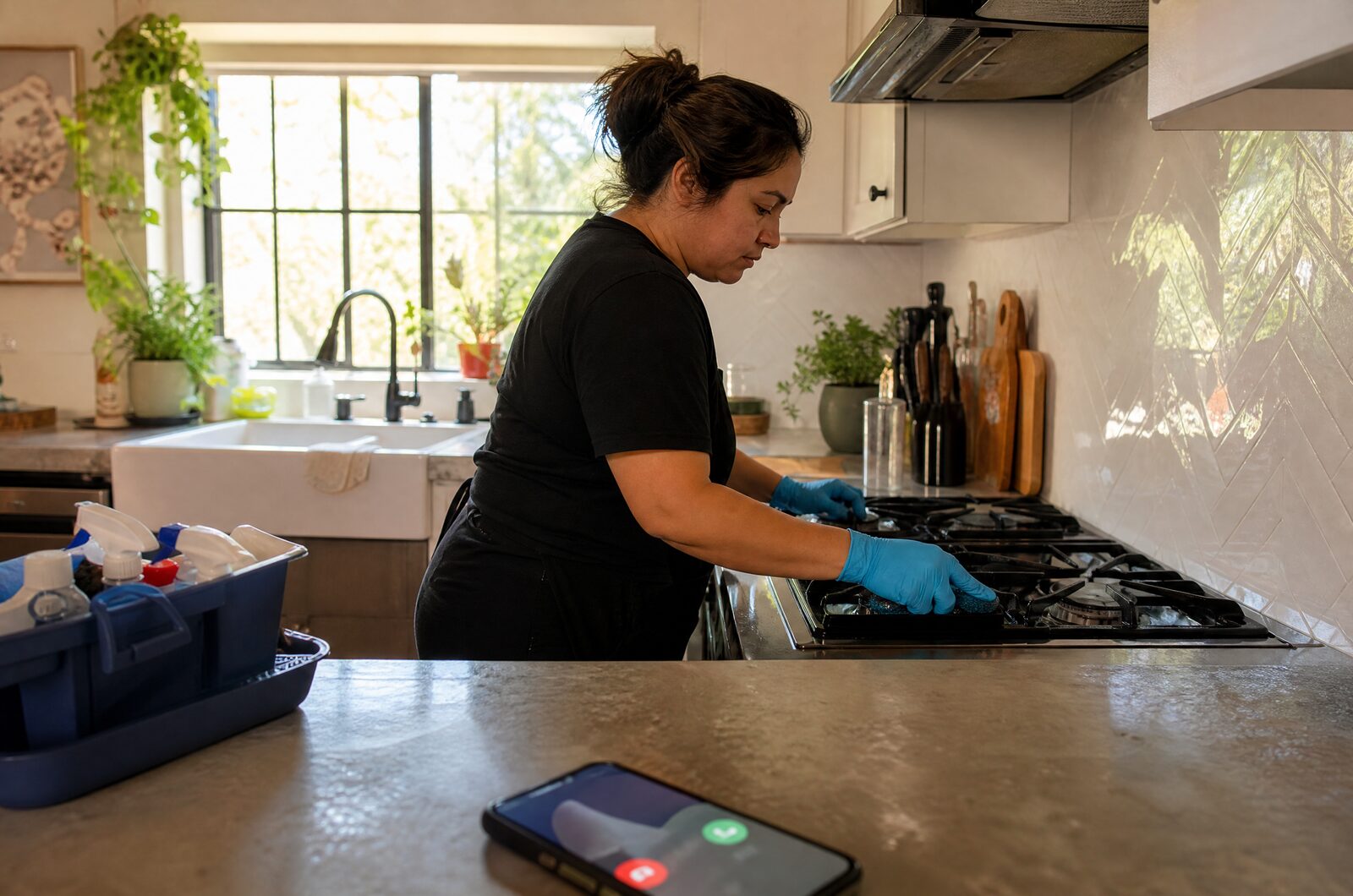
You get a number for your shop. It rings you first.
No app, no login, nothing to install. Your cell stays your cell, and your cell number stays private.
- Put your new number on your listing
Google, Instagram, your cards. Calls to it ring your cell first - you'll see it's a shop call. Pick up if you can. Nothing changes about the calls you take yourself.
- We answer as your shop
Your name, your hours, your services. It gets what they want, when, and their name. It never invents a price or promises a time.
- You get one text. Reply Y.
The customer gets a confirmation with your shop's name on it. Reply N and they're told you'll text them other times. That's it.
Want to keep your current number on the listing? Forward missed calls from your cell with your carrier's code (*71 on Verizon, *004*1…# on AT&T/T-Mobile). Some carriers ignore it; the new number always works.
Made for people whose hands are busy when the phone rings.
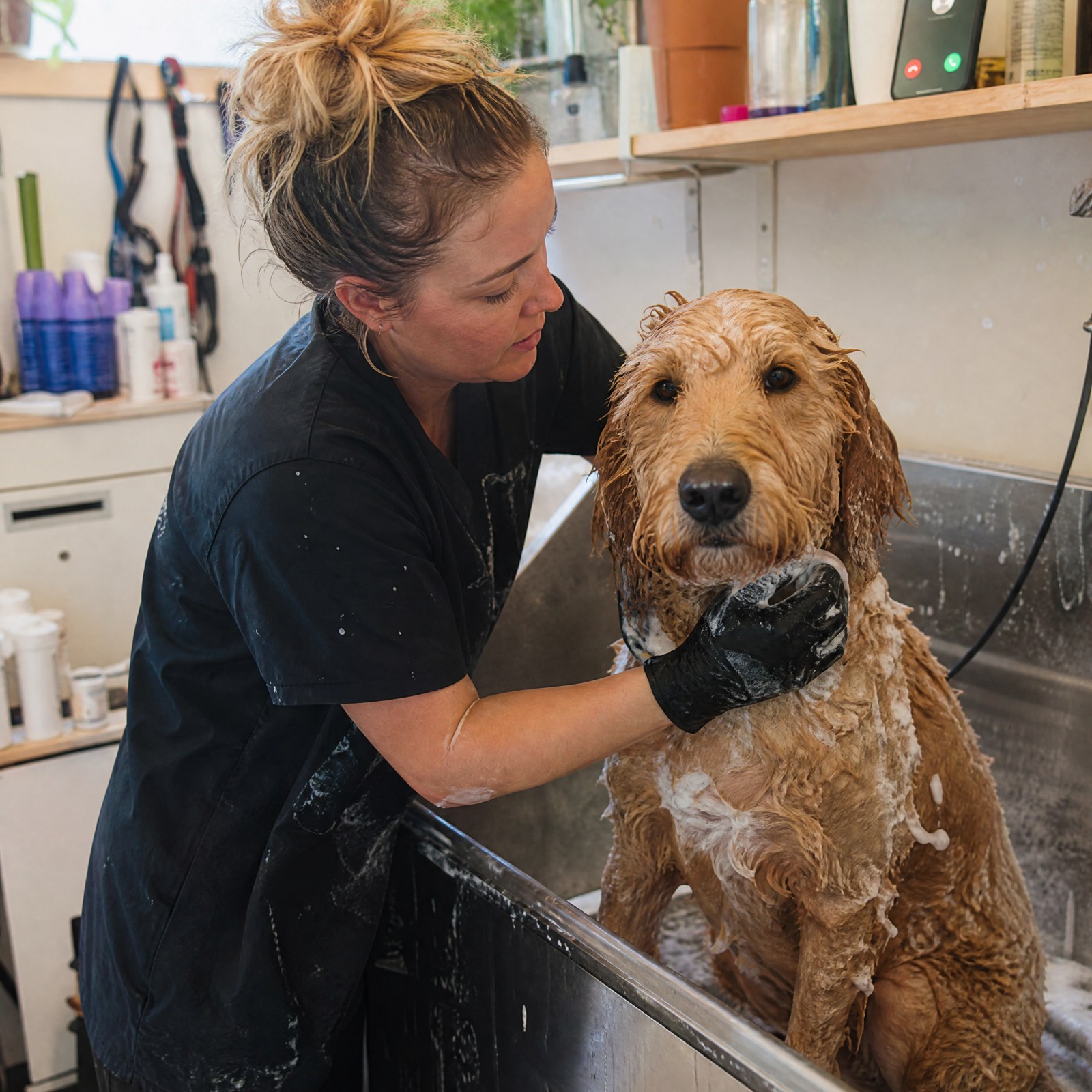
Both hands on a wet dog and the phone's ringing. That client is calling whoever picks up next — unless your shop picks up.
One chair, one van, one you. The kind of business where a missed call is a lost job and there's no one at the desk because there is no desk.
Your clients email instead of calling? Photographers, planners, photo booths: the same desk answers your inbox →
One text. One letter back.
Between jobs, you glance at your phone. The request is already there with the customer's name and number. Reply Y and they're confirmed; reply N and they're told you'll text other times.

What it costs
- Your own number, unlimited calls, unlimited booking requests.
- Cancel by texting STOP. Really.
- One missed job a month pays for it.
Two minutes: we find your Google listing, you put a card on file (nothing charged for 30 days), and your shop's new number comes back on screen and by text.
Questions people ask
Is it a real person?
No, and it says so if a caller asks. It's your shop's automated front desk: it knows your hours and services, takes the request, and hands the decision to you. It doesn't pretend to be you and it doesn't make things up.
Does it book straight into my calendar?
No — on purpose. It takes the request and you confirm with a Y. You stay in charge of your book, whether that's Square, Booksy, or paper. If you want calendar sync later, tell us.
What if I'm free and want to answer?
Then answer. Every call rings your cell first, about 18 seconds. It only picks up when you don't.
Do I have to change my number?
You add one. Your cell stays your cell; the new number is what you put on the listing, and it keeps your cell number private. If you'd rather keep your current number public, you can forward missed calls to us with your carrier's code instead - it works on Verizon and AT&T, and some prepaid carriers ignore it.
What happens with a caller who just has a question?
Hours, where you are, what you do — it answers from what you've told it. Anything else, it takes a message and texts it to you.
How do I get set up?
Start here: type your business and city, we pull your Google listing (hours, address, what you do), you put a card on file, and your shop's number comes back on screen and by text. Two minutes, no call with us needed. Questions: [email protected].
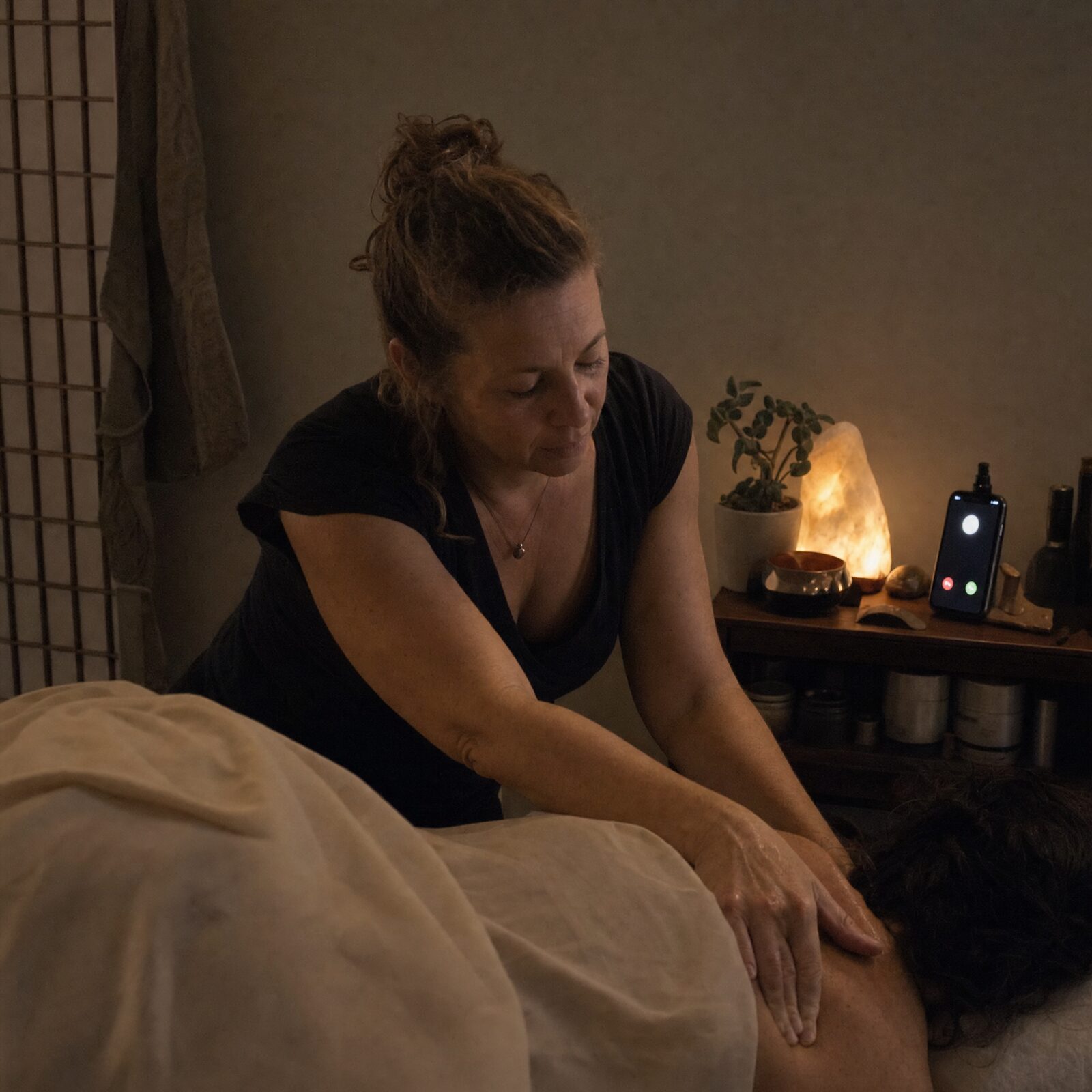
Hear it before you decide.
Call from your shop's phone. If we've got your listing, it'll answer as your business — hours and all. Ask it for an appointment and see what lands in your texts.
Call (505) 322-6118